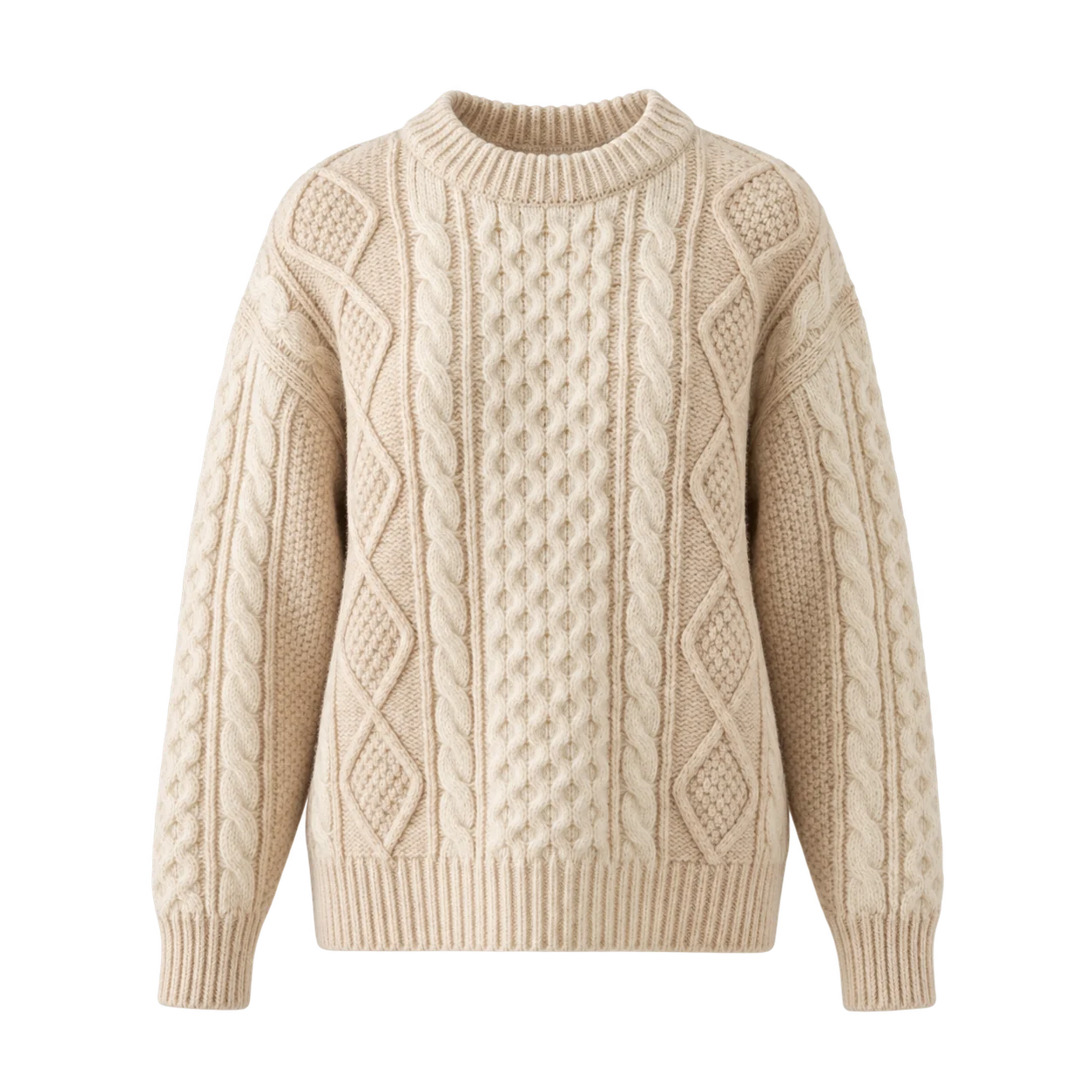
Product ImageThe fitting room,
The fitting room,
one click away.
A try-on entry point sits alongside your product. Customers can explore the piece without leaving the shopping journey.

Bring virtual try-on to your product pages. Let customers see your clothes on themselves and make a more informed choice.
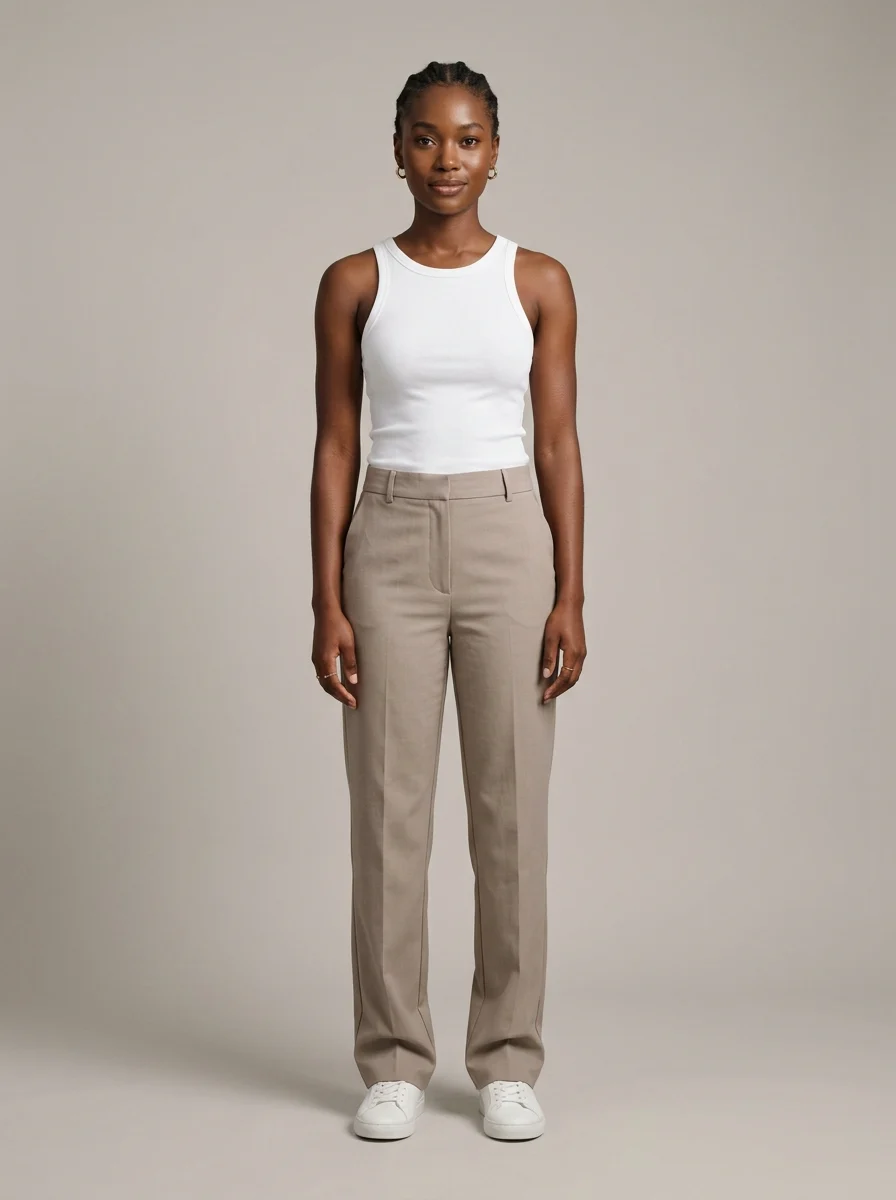
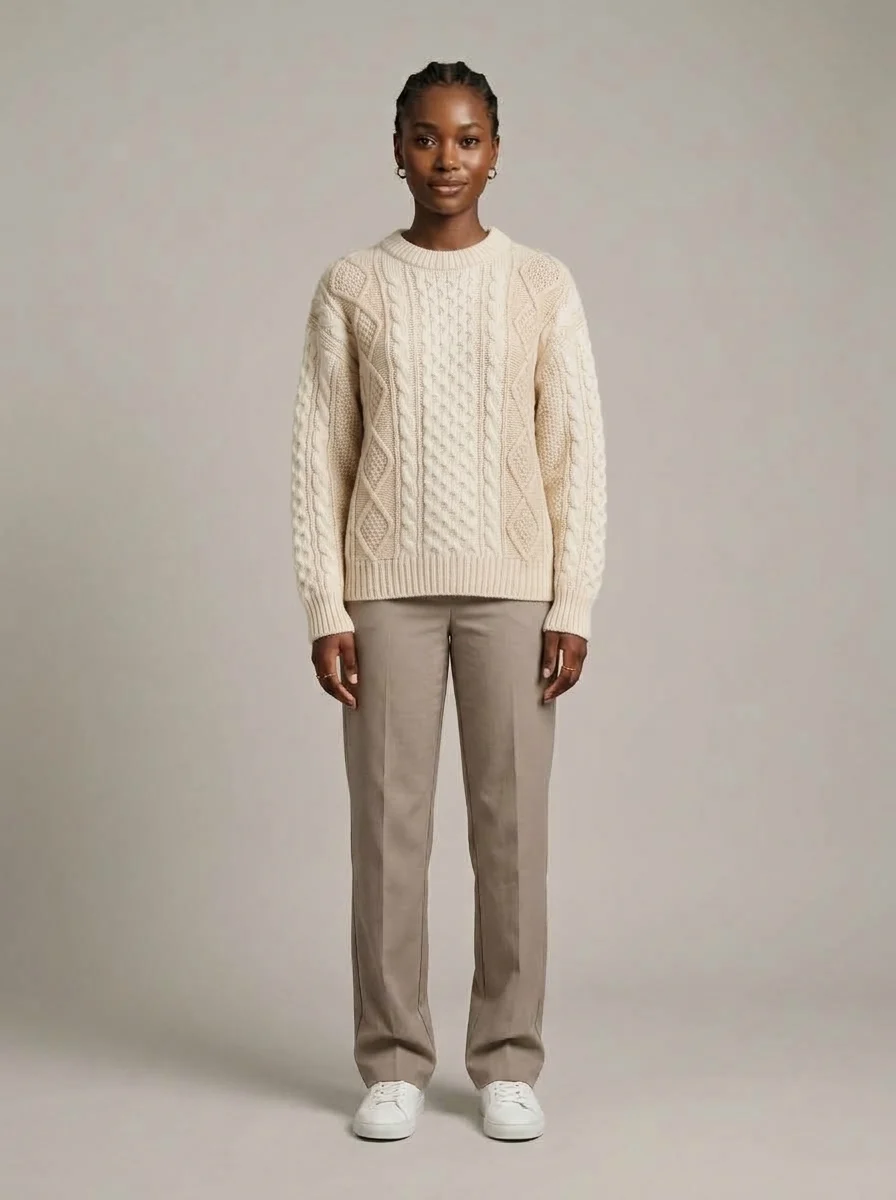 Example product
Interactive preview with prepared sample images.
From discovering a piece to seeing it on themselves. Keep the next step clear at every moment.
A try-on entry point sits alongside your product. Customers can explore the piece without leaving the shopping journey.
The customer selects a photo for the try-on. Omby uses the selected product and photo to create the preview.
See the garment on the selected photo. The visual preview helps the customer explore their style before making a choice.
Omby turns try-on photos into short videos. Talk to us about adding this experience to your store’s customer journey.
Talk about video for your storeVideos created in Omby from sample photos.
Why Choose Omby for Your Store?
Help customers make informed decisions by seeing how clothing looks on them before buying.
Offer a visual preview before purchase and reduce uncertainty about how a product looks.
Connect your product pages to Omby's virtual try-on API and plan an integration for your store.
Let customers explore your products through an interactive visual shopping experience.
Plan the placement and brand presentation around your store's product pages.
Discuss usage volume and technical requirements to plan a suitable integration.
Keep your store at the centre of the experience. Let us plan the product flow, branding and API integration together.
View API Documentation↔Your customerAdd a virtual try-on entry point to your product pages and connect the Omby API.
Customers choose a photo and preview your products on themselves.
Measure the impact of virtual try-on and improve the shopping experience with what you learn.
A few details to help you plan your store experience.
Contact UsThe customer chooses a product and a photo. Omby creates a visual preview of the garment on that photo, helping them explore the look before buying.
Share your store platform, product catalogue and technical requirements with us. We can plan the integration together using the Omby API.
We can discuss the placement, appearance and customer journey for your store. The integration can be adapted to your brand and product pages.
Virtual try-on is a visual preview. It does not replace measurements, size guides or checking the product details.
Review the Privacy Policy for information about photo processing. Contact us to discuss the requirements for your store integration.
Privacy PolicyTell us about your store, your products and what you want to build. Let us shape the experience together.