A better photo, a clearer preview
- Choose even lighting and a simple background.
- Keep your pose natural and your clothes visible.
- Avoid objects or crossed arms covering the outfit.

Upload your photo, choose the pieces you want to try and explore a new outfit on yourself in Omby. Compare colors and silhouettes before deciding what you like.
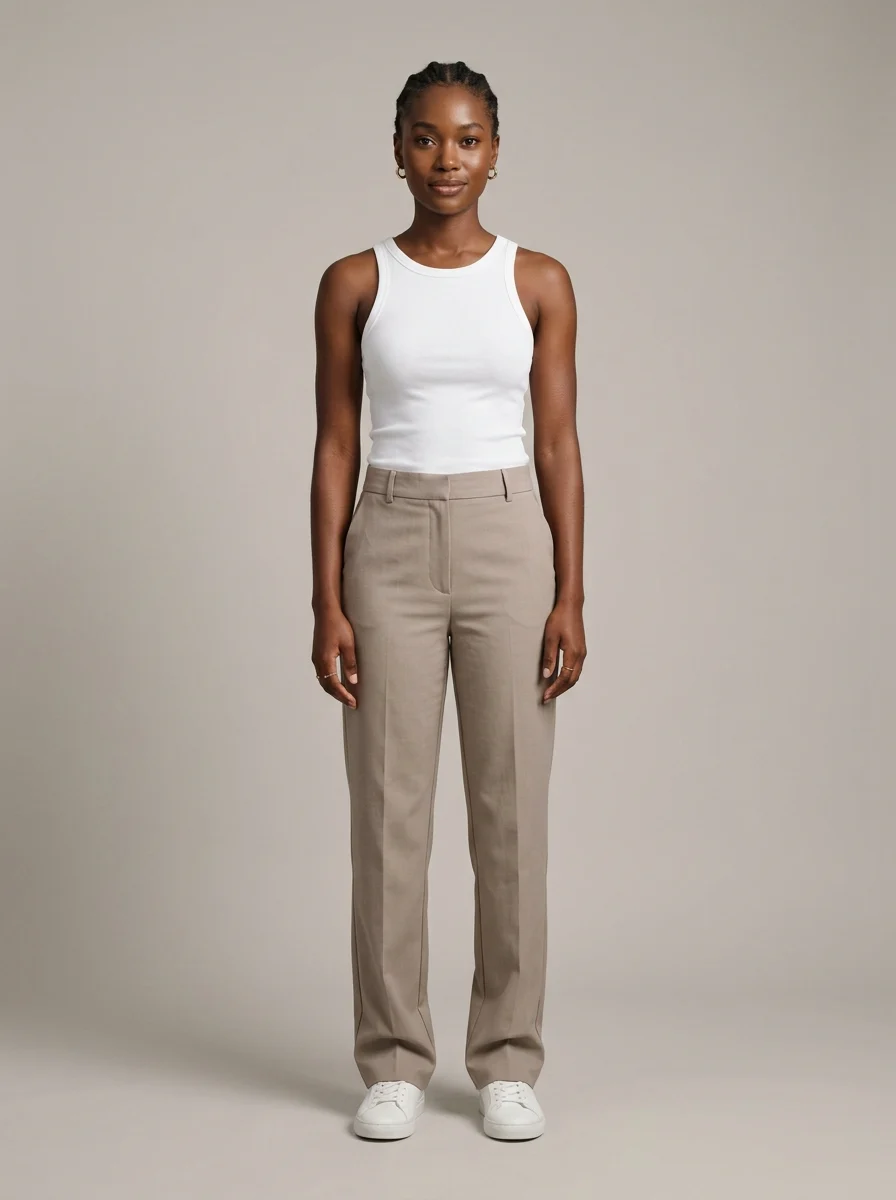
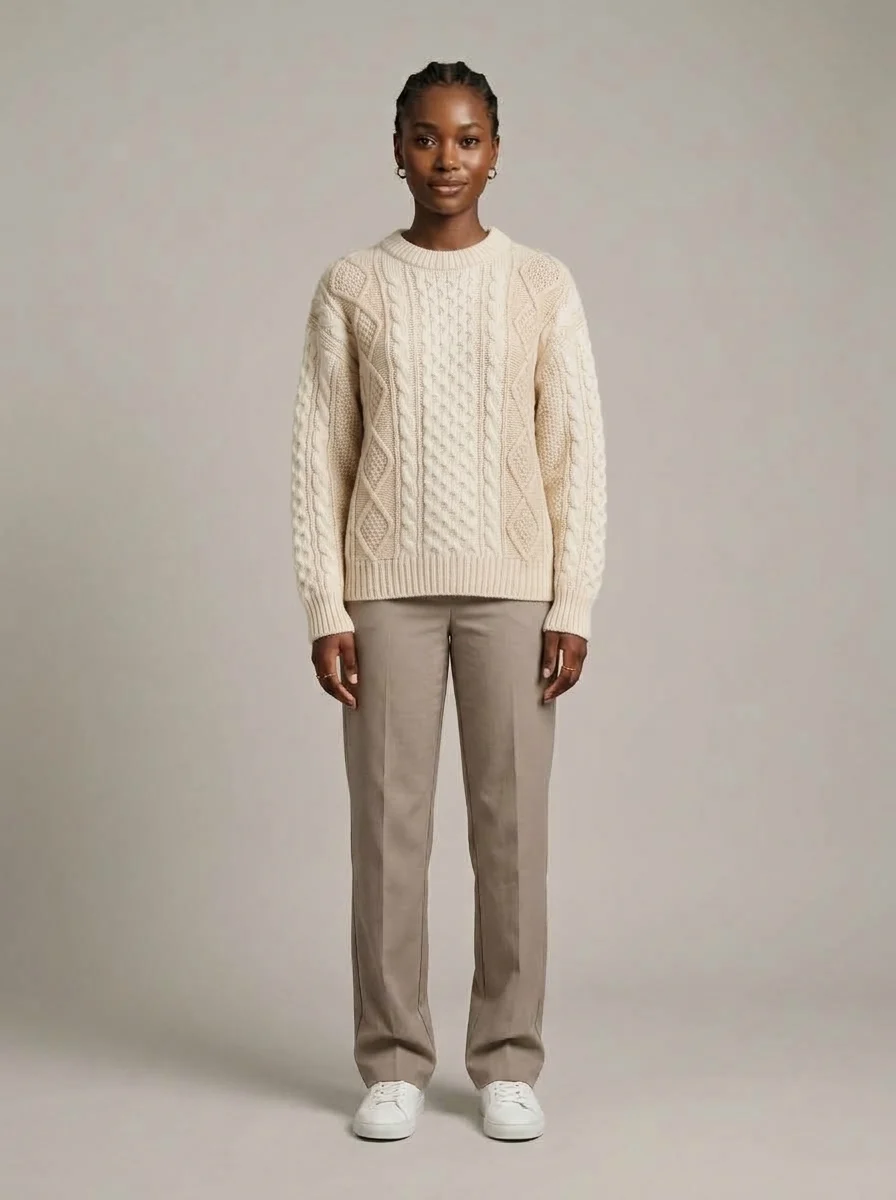
An example of a clothing preview using the same reference photo.
Build a visual shortlist for your next outfit with a photo of yourself and the clothes you want to explore.
Use a clear photo where the area you want to dress is visible. A full-body photo gives more context for a complete outfit.
Choose the pieces you want to try in Omby. Combine them to explore how a new outfit looks on your photo.
Compare the preview with the original clothing. Explore a different combination or turn the result into a video.
Compare the overall silhouette, color combinations and how the pieces work together. Check small details against the original item.
AI previews help you explore style. They do not measure physical fit or replace the product size chart, fabric details or a real fitting.
It creates an image that previews selected clothes on your reference photo. In Omby, you can explore how pieces and outfits look on you.
Use the preview to explore the look. Choose a size using the retailer’s size chart and garment measurements.
Yes. Omby can create a video from your try-on photo. Choose portrait or landscape and save or share your look.
Explore photo and video try-on in the Omby app for iOS and Android.